Portrait notes · 5 min read
How to Choose Photos for Your Custom Portrait
The template creates the setting. Your photograph supplies the identity. Here is how to choose a reference that gives the AI useful information—not details it has to guess.
By the LumaKeeps team
Start with the original, not a screenshot
Choose the original camera file when you can. Screenshots, social-media downloads, and repeatedly forwarded images can lose fine details around the eyes, mouth, and hairline. Zoom into the face: if it is already a blur, the AI will have to invent some of the missing information.
A larger file is not automatically a better reference. A sharp face in a modestly sized photo is usually more useful than a large photo where the person is tiny or out of focus.
Look for clear eyes and gentle light
Soft daylight from a window or an overcast outdoor setting makes facial structure easier to see. Avoid sunglasses, deep shadows across the eyes, strong beauty filters, and extreme wide-angle selfies. Keep ears, hairline, and the whole outline of the face in the image.
Choose an expression you actually want to recognize in the finished portrait. A formal template can change clothing and setting, but it should not be expected to reconstruct a completely hidden face or an unknown expression.
Match the people to the composition
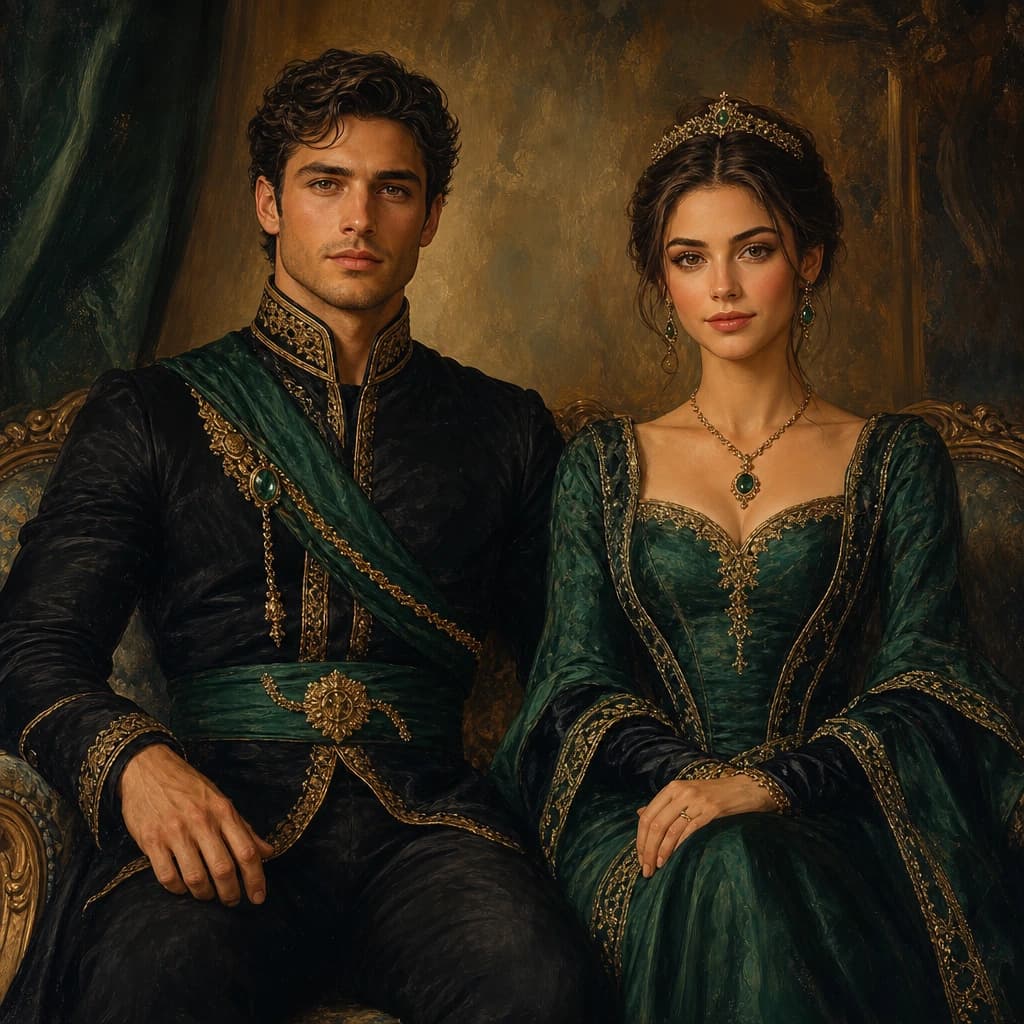
Check the subject count on the template detail page before uploading. One clear shared photograph can work for a couple; separate face photos may be better when one person is too small or turned away in the shared shot. The studio accepts up to four reference photos.
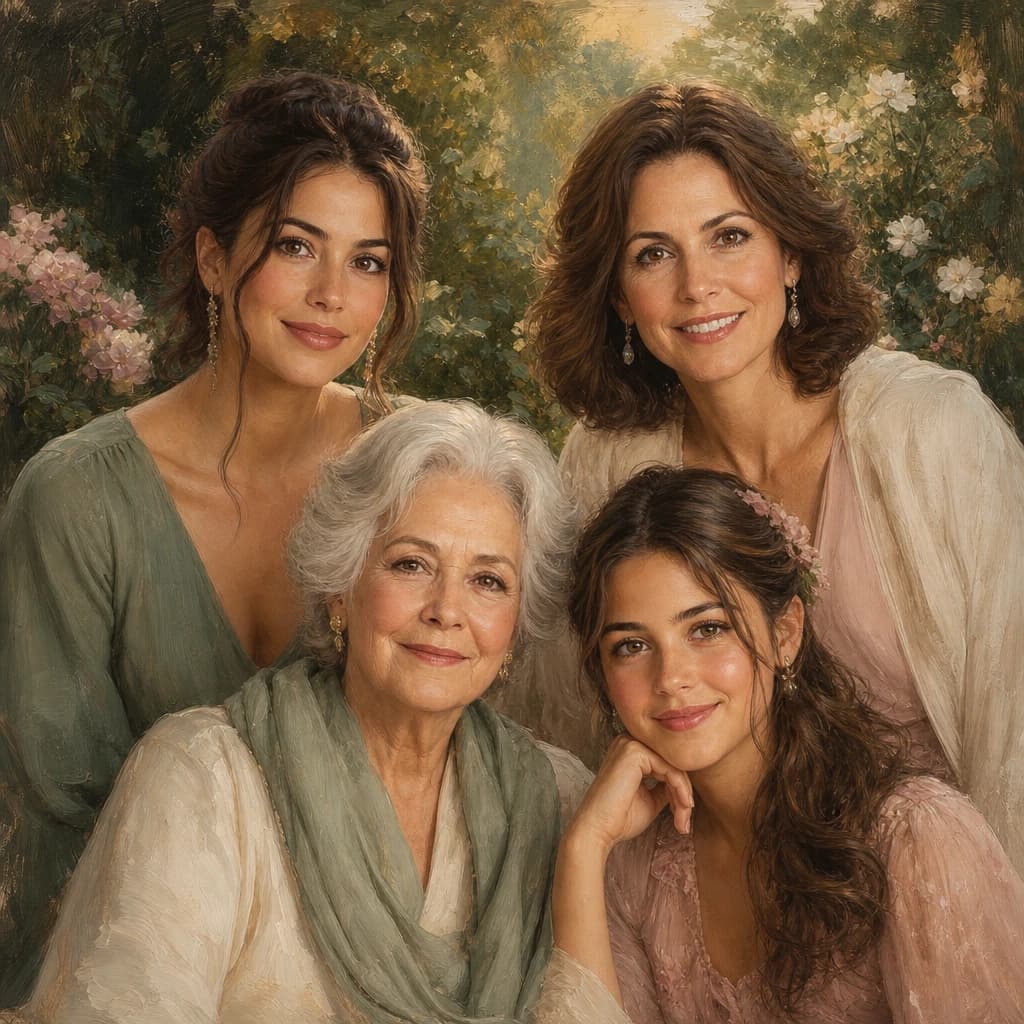
For a family, identify a clear reference for every person. Similar lighting and comparable sharpness make it easier to review the resulting faces together. More uploaded photos do not increase the number of people a template supports.
Treat the preview as a decision, not a formality
Inspect each face at a useful viewing size. Check eye shape, age, hair, expression, and any distinctive features. AI artwork is an interpretation, and a polished-looking scene can still contain an inaccurate likeness.
Only continue to a canvas and frame when you are comfortable with the actual preview. If the source photo is too unclear to support the result you want, select a better reference rather than relying on the print to fix the artwork.